Clearlight or Ghostlight Pro? Choosing between our two flagship reverbs
October 25, 2026
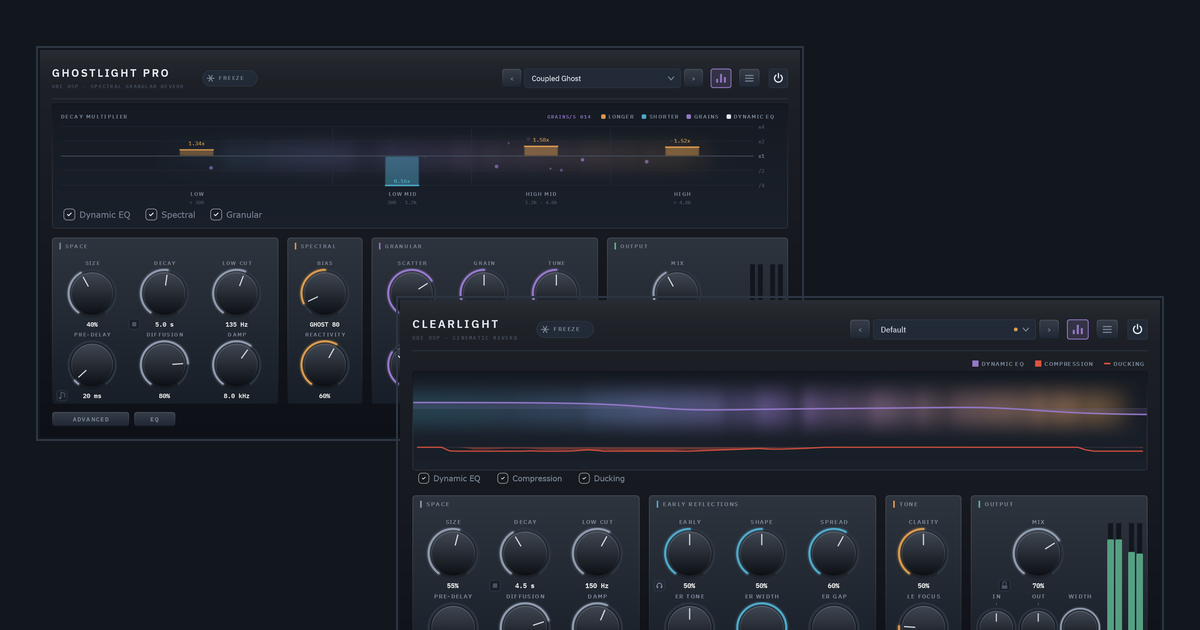
Clearlight and Ghostlight Pro are both reverbs, and they have a lot in common. They share the same reverb engine at their core, the same panel look, a Dynamic EQ on the tail, tempo-synced Pre-Delay, Freeze, and a stop button that empties a long tail on the spot. Where they differ is what each one is for.
In one line: Clearlight puts a sound in a huge, believable space without losing it. Ghostlight Pro turns a sound into something it wasn’t.
Clearlight: big, and still clear
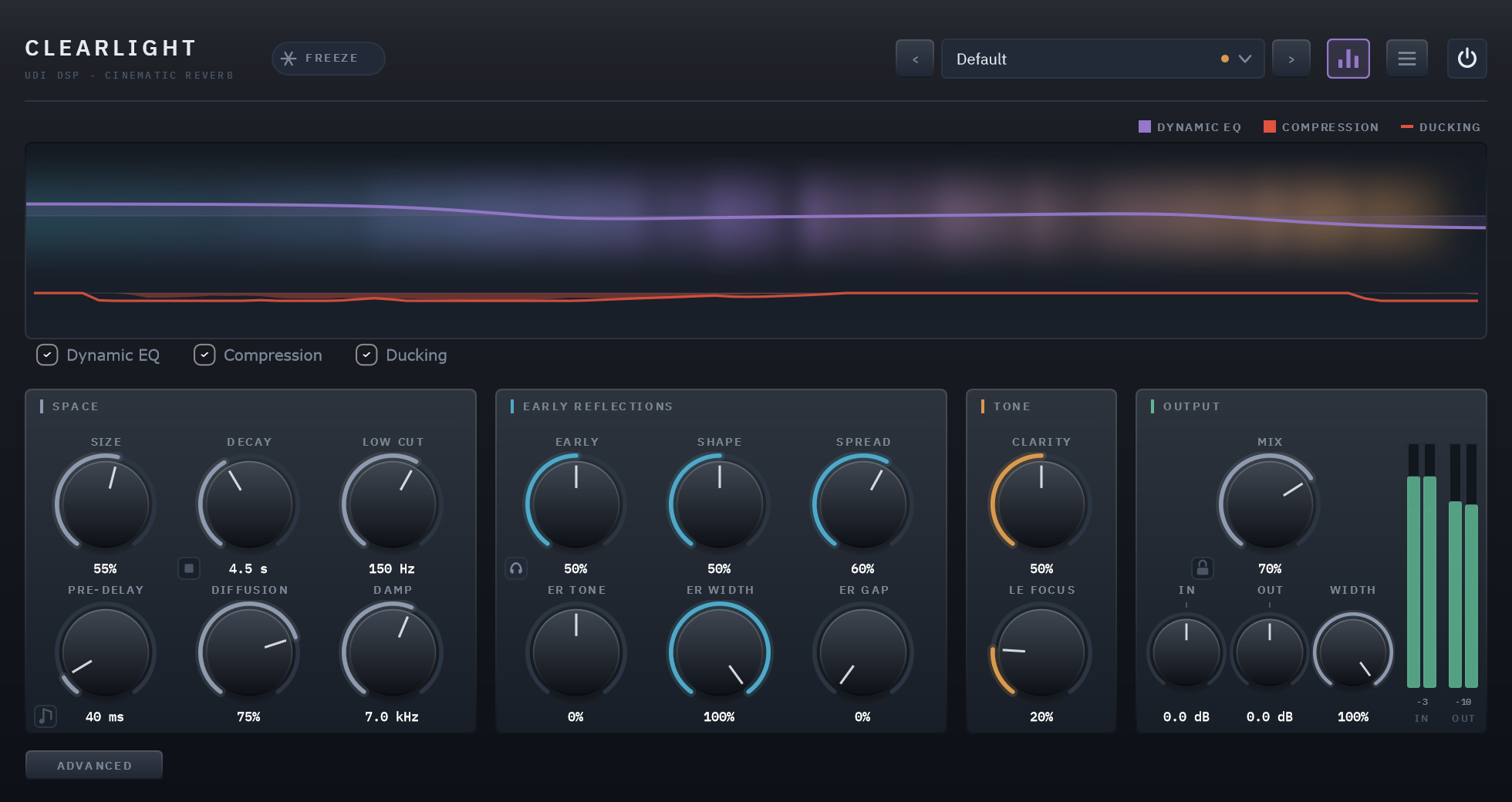
Push most reverbs toward huge, with a long decay, a big room and dense diffusion, and the source starts to disappear. Consonants blur, transients soften, and the mix turns into wash. Pull back for clarity and the space shrinks with it. Clearlight is built to give you both.
It does this with a dedicated early-reflections stage in front of the reverb. The first fraction of a second after a sound starts is the moment a big reverb tends to leave the source stranded, and Clearlight fills it with a dense field of early reflections. You shape that field with six controls: how much you hear of it (Early), its shape, how far it reaches (Spread), its tone, its stereo width, and how long before the first reflection arrives (ER Gap).
A few things follow from that design:
- Decay up to 60 seconds, twice Ghostlight Pro’s range, with the same clarity at every length.
- Ducking, so the reverb steps back while the dry sound plays and swells in the gaps. It is made for dialogue and lead vocals.
- Compression that settles a busy tail into one body, and Warm and Clipper for colour and a safe ceiling.
- Low-End Focus, which keeps the bass of a wide tail solid and centered.
Reach for Clearlight for film and game scoring, dialogue and vocals, orchestral and ambient work, and any big hall or cathedral where the source has to stay present.
Ghostlight Pro: a reverb that listens, and a second tail made of grains
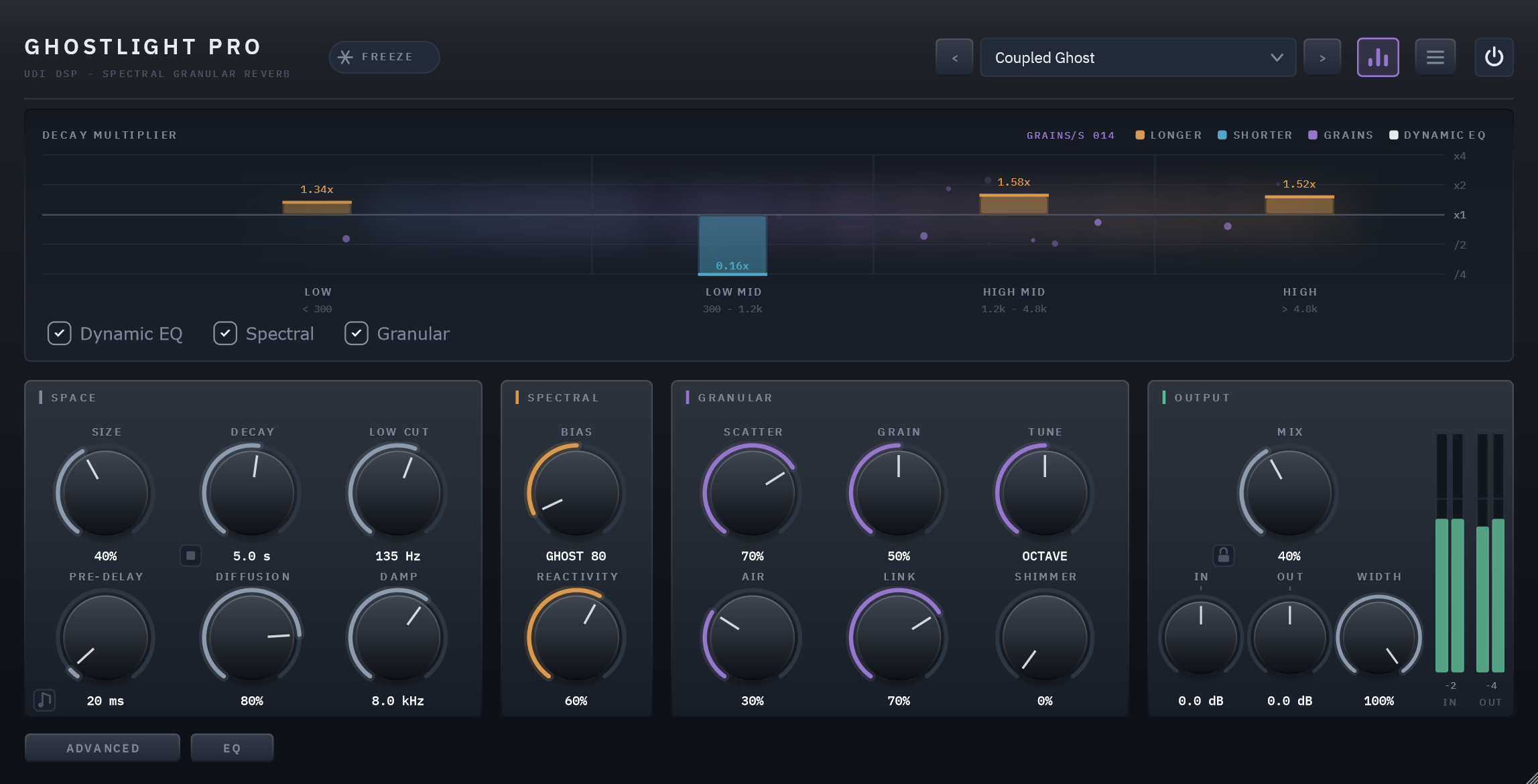
Ghostlight Pro has two engines Clearlight doesn’t.
The first is spectral decay. It splits the tail into four frequency bands and lets the tail respond to your source. One bipolar control, Spectral Bias, gives you two different behaviours. Toward Bloom, the loud bands of your sound ring longer. Toward Ghost, they fade quickly and what was hidden underneath keeps ringing. Centered, it behaves as a plain, high-quality reverb.
The second is a granular engine. It continuously captures the reverb’s own recent past and can scatter it as a cloud of overlapping grains, each with its own pitch, position and pan. You crossfade between the smooth tail and the granular one rather than choosing. From there you get shimmer tuned from unison up to two octaves, reverse grains, and a high-frequency Air layer. Link connects the two engines, so the grains are built from whatever band is ringing.
Ghostlight Pro also has a de-esser so long bright tails never turn harsh, and a Tilt control for the tone of the tail.
Reach for Ghostlight Pro for sound design, ambient textures, shimmering and ghostly effects, and tails that evolve rather than simply fade.
Side by side
| Clearlight | Ghostlight Pro | |
|---|---|---|
| The idea | A huge space that keeps your source clear | A reverb that responds to your sound and can break it into grains |
| Character | Smooth, natural, wide | Textured, evolving, often surreal |
| Longest decay | 60 seconds | 30 seconds |
| Early reflections | A dedicated stage with six controls | No dedicated stage |
| Tail that follows the source | No | Yes: Ghost and Bloom, in four bands |
| Granular tail, shimmer, reverse | No | Yes |
| Ducking | Yes | No |
| Compression, Warm, Clipper | Yes | No |
| De-esser | No | Yes |
| Dynamic EQ on the tail | Yes, 3 bands | Yes, 3 bands |
| Pre-Delay (tempo-synced), Freeze, stop button, Mix lock | Yes | Yes |
Which one?
If you ask whether the source should stay clear inside a big space, you want Clearlight. If you ask whether the reverb itself should become an instrument, you want Ghostlight Pro.
They also work well together: Clearlight for the room, Ghostlight Pro for the effect. Each has audio examples on its product page and a full user guide:
- Clearlight: product page · user guide
- Ghostlight Pro: product page · user guide